
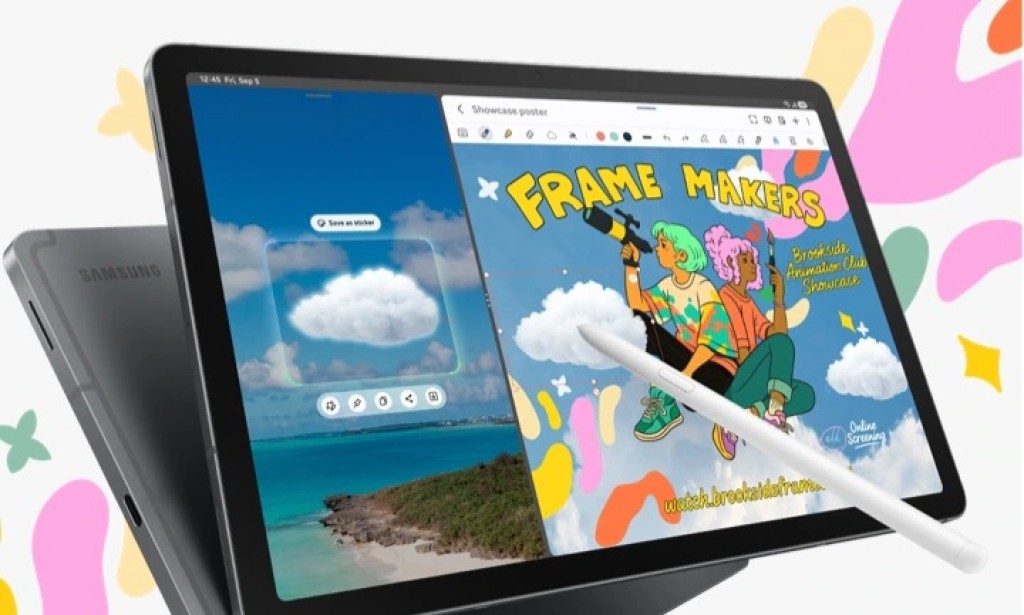
Samsung has rolled out the One UI 8.5 update for the Galaxy Tab S10 Lite globally, expanding beyond its initial South Korea release from a few days ago. The update is now live across Europe, Asia, Latin America, and the United States, covering both the Wi-Fi-only and Wi-Fi plus Cellular variants of the tablet.
Firmware Versions and How to Get the Update
The update carries firmware version X400XXU4CZE5 for the Wi-Fi model and X406BXXU4CZE5 for the Wi-Fi plus Cellular variant. To check for the update on your Galaxy Tab S10 Lite, go to Settings, then Software update, then Download and install. Once the download is complete, tap Install now to begin the installation.
What One UI 8.5 Adds to the Galaxy Tab S10 Lite
The update brings a visually refreshed interface with redesigned app icons and a cleaner overall look. The Quick Panel is now more customizable, giving users more control over the layout of their shortcuts and toggles. Lock screen clock fonts now have additional customization options, and automatic lock screen layouts have been added the system can now adapt the lock screen layout based on the people or objects visible in the wallpaper. Additional downloadable wallpapers have also been added to the collection.
Bixby has been upgraded to better understand natural language, and Perplexity integration has been added for pulling relevant information from the internet directly through Bixby. All previous Bixby interactions can now be reviewed in a dedicated Conversation History section within the assistant.
The Clock app gains a built-in time zone converter, removing the need for a separate app when checking times across different regions. The alarm screen now supports weather-based background effects that change based on current conditions. Samsung Health receives additional layouts for sharing workout statistics, and the Calculator app now provides proactive calculation suggestions based on content copied to the clipboard.
The Device Care section has been redesigned with a more useful battery information display, making it easier to understand charging habits and battery health at a glance. Users can now also temporarily disable Auto Blocker when needed, offering more flexibility for installing apps from outside the Galaxy Store on a case-by-case basis.
Samsung DeX users will notice that app windows now remember their previous sizes and reopen at those same dimensions the next time DeX is launched a small but practical improvement for anyone who uses the tablet in desktop mode regularly.
Samsung Notes gains table support with full formatting control, including column width adjustments, color customization, border styles, and automatic calculation support within table cells. Samsung Internet's New Tab page has been redesigned with a cleaner layout. Partial screen recording support has also been added, giving users more control over what gets captured during a recording session. The Reminders app now supports early alert notifications, helping users get notified ahead of deadlines rather than exactly at them.
Galaxy Tab S10 Lite Update History
Samsung launched the Galaxy Tab S10 Lite in August 2025 with Android 15 and One UI 7.0 out of the box. The tablet received its Android 16-based One UI 8.0 update in October 2025 and is now receiving One UI 8.5 as part of Samsung's mid-cycle update rollout. The Android 17 based One UI 9.0 update is expected to arrive for the Galaxy Tab S10 Lite in the second half of 2026.

You must be logged in to post a comment.