
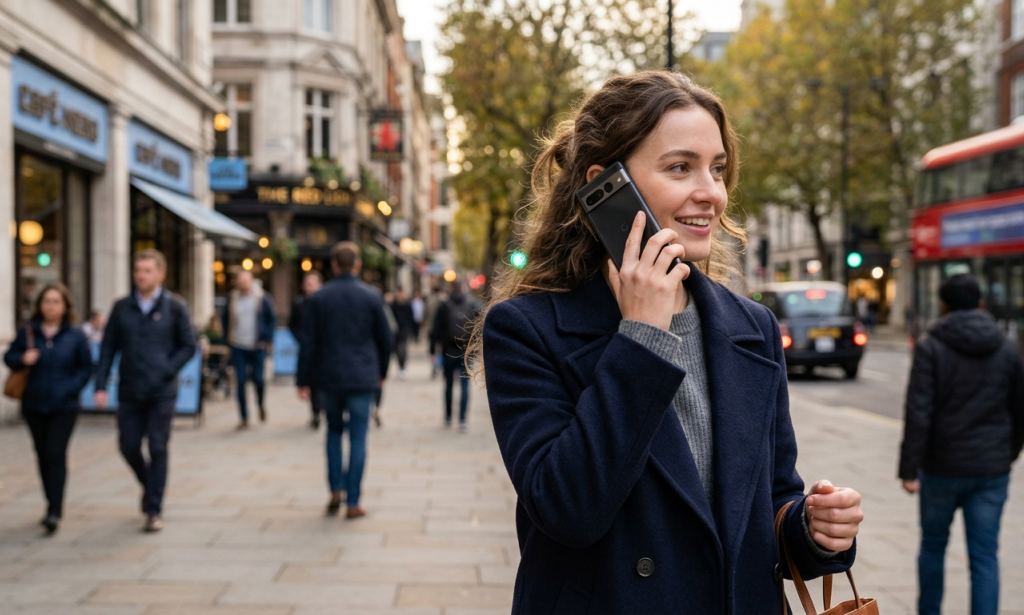
There is a quiet frustration that anyone who makes a lot of phone calls knows well. You dial a number, get placed on hold, and then spend the next 20 or 30 minutes with your phone stuck to your ear or sitting next to you while you wait for a human to pick up. You cannot really step away, because you might miss it. You cannot fully focus on anything else, because you are listening for a change in the hold music.
Google Pixel phones solved this problem a while ago with a feature called Hold for Me. Samsung Galaxy phones still do not have an equivalent. And the gap is becoming more noticeable.
What Hold for Me Actually Does
Hold for Me is a Pixel-exclusive feature that lives inside the Phone app's Call Assist menu. When you are placed on hold during an outgoing call, you can activate Hold for Me and hand the waiting off to Google's digital assistant. The assistant listens to the call in the background by recording a temporary local audio clip, and waits for the moment a human picks up on the other end. The moment someone answers, the phone notifies you that a real person is on the line and you can pick the conversation back up.
Nothing is sent to Google's servers. The audio processing happens locally on the device. Once the session is over, the temporary clip is discarded. The only thing you need to do to set it up is open the Phone app settings, find Call Assist, tap Hold for Me, and toggle it on. After that, the option appears automatically inside any call where you are put on hold.
The practical result is that instead of holding your phone and listening to the same hold music loop for half an hour, you can set your phone down and do something useful until you get a notification that it is your turn.
Why Samsung's Current Options Do Not Fill the Gap
Samsung Galaxy phones have their own Call Assist tools, and they cover some useful ground. Call Screening lets Bixby answer unknown incoming calls and transcribe what the caller says in real time a genuinely practical tool for filtering spam calls before you ever have to pick up. The transcription feature works well for reviewing what was said during a call without relying on memory. Call recording is also available on Samsung devices in supported regions.
The Bixby text call option allows you to type a response that Bixby reads aloud to a caller on your behalf. It can technically stay on a call for you, but it does not solve the specific problem that Hold for Me addresses. Bixby text call does not listen for the moment a human answers and does not notify you when the hold period is over. For managing incoming calls, Samsung's tools are solid. For outgoing calls that put you on hold, there is nothing comparable to what Pixel offers.
The difference in focus is the core issue. Samsung's calling features are built around managing who calls you. Hold for Me is built around managing the experience of calls you make to businesses and services exactly the scenario where the frustration is most acute, and the scenario Samsung currently does not address.
Why This Feature Matters More Than It Might Seem
Hold times on calls to insurance companies, banks, government offices, and healthcare providers regularly run between 20 and 45 minutes. For anyone making multiple calls like this in a week, the cumulative time spent passively listening to hold music adds up quickly. Hold for Me converts that passive waiting into time you can actually use, because the assistant handles the monitoring automatically and only pulls you back in when it is needed.
The feature is also completely unobtrusive to set up and use. It does not require configuring automation rules, changing settings per call, or interacting with a complex menu system. You turn it on once in settings and it appears as an option during any applicable call. That simplicity is a large part of why it has been well-received among Pixel users.
The Case for Samsung to Build Its Own Version
Samsung already has the underlying infrastructure to build something equivalent. Bixby has local processing capabilities, Call Screening demonstrates that the Phone app can listen to and transcribe calls in real time, and One UI 8.5's agentic Bixby improvements show the company is actively investing in hands-free, automated call management. The technical pieces are present. What is missing is the specific application of those capabilities to outgoing call hold management.
Samsung users have been requesting a Hold for Me equivalent on the Samsung Community Forum for years. The conversation resurfaces every time Samsung announces a new Bixby calling feature, and the disappointment is consistent when the new addition turns out to address call screening rather than call holding.
One UI 9 is coming later this year. Whether Samsung uses that release to close this specific gap with Pixel remains to be seen.

You must be logged in to post a comment.