
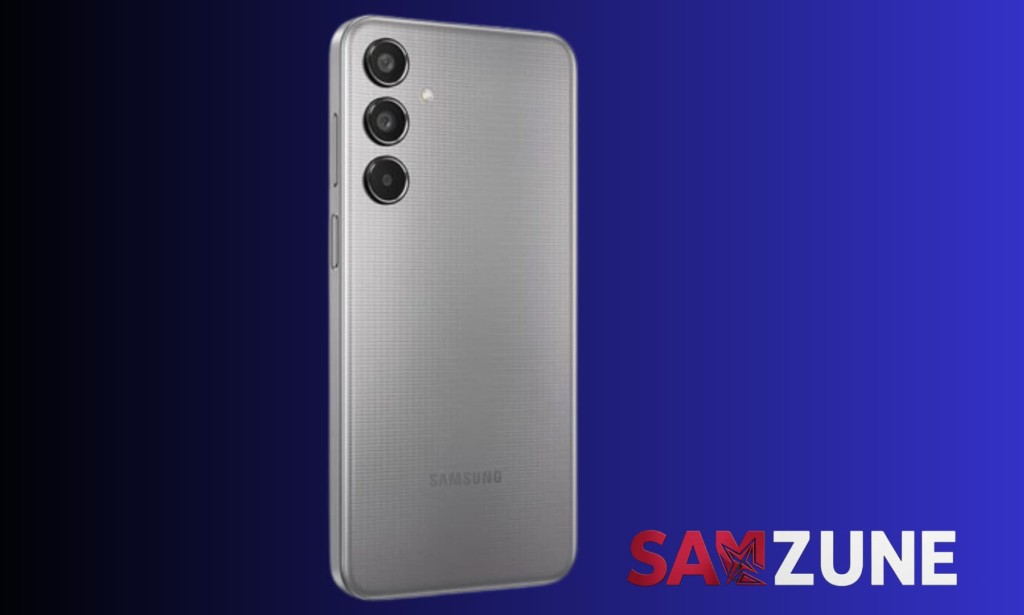
Galaxy M35 owners have been waiting for this one, and Samsung has now made it official. The stable version of One UI 8.5 has started rolling out for the Galaxy M35, bringing a noticeably refreshed user interface along with a solid list of new features. India is among the first markets to receive the update, and a wider global rollout is expected to follow over the coming weeks.
The One UI 8.5 update for the Galaxy M35 arrives as a 3,053.32MB download, carrying firmware version M356BXXU8DZE3. That's a sizeable package, which makes sense given the scope of changes One UI 8.5 brings to the table. Samsung typically completes global rollouts for updates like this within a month, so users outside India shouldn't have to wait too long.
To check whether the update has reached your device, head to Settings, then tap Software update, followed by Download and install. If it's available in your region, it will show up there.
A Cleaner, More Modern Look
One of the first things users will notice after installing One UI 8.5 is how different the interface looks and feels. The overall design direction is cleaner and more refined compared to what One UI 8 offered. Samsung has introduced a floating bar at the bottom of first-party apps, which gives the experience a more polished, modern feel and makes single-handed navigation noticeably more comfortable.
The Quick Settings panel has also received meaningful customization improvements. Users now have more control over how it's laid out, allowing the panel to be arranged in a way that actually suits how each person uses their phone rather than defaulting to a fixed configuration.
Apple AirDrop Support A Feature Nobody Expected
This is probably the most talked-about addition in One UI 8.5, and for good reason. Samsung has added support for Apple AirDrop, meaning Galaxy M35 users can now wirelessly exchange files directly with iPhones, iPads, and Macs without needing any third-party apps or workarounds.
For years, sharing files between Android and Apple devices has involved a frustrating amount of friction cables, cloud uploads, or apps that don't always cooperate. One UI 8.5 cuts through that entirely. If you regularly swap photos, documents, or other files with people who use Apple devices, this is a genuinely practical feature that changes how that workflow operates day-to-day.
What Else One UI 8.5 Brings
Beyond the design refresh and AirDrop support, One UI 8.5 carries a broader set of feature additions and improvements that cover various aspects of daily use. The update reflects Samsung's continued push to make its mid-range Galaxy M lineup feel closer to its flagship experience in terms of software quality and feature availability.
The fact that the Galaxy M35 a mid-range device is receiving a stable One UI 8.5 rollout is also worth noting. Samsung has been expanding its update commitments across more of its lineup, and the M35 getting this update alongside premium models reinforces that direction.
One UI 9.0 Is Already in Beta
It's also worth mentioning that while One UI 8.5 is still making its way to devices like the Galaxy M35, Samsung has already kicked off the One UI 9.0 beta program. The beta is currently running on the Galaxy S26 series. For M35 owners, the immediate priority is getting One UI 8.5 installed and settled in but it's good context to know that Samsung's software development is already moving ahead on the next major release.
How to Get the Update
If you own a Galaxy M35 and want to check for the One UI 8.5 update manually, the process is straightforward. Open Settings on your device, scroll down to Software update, and tap Download and install. If the update is available in your region, your phone will detect it and walk you through the installation process from there.
Given the file size, downloading over Wi-Fi is recommended to avoid using mobile data. Make sure your battery is sufficiently charged before starting the installation, as Samsung generally recommends at least 50% charge for major system updates.

You must be logged in to post a comment.