
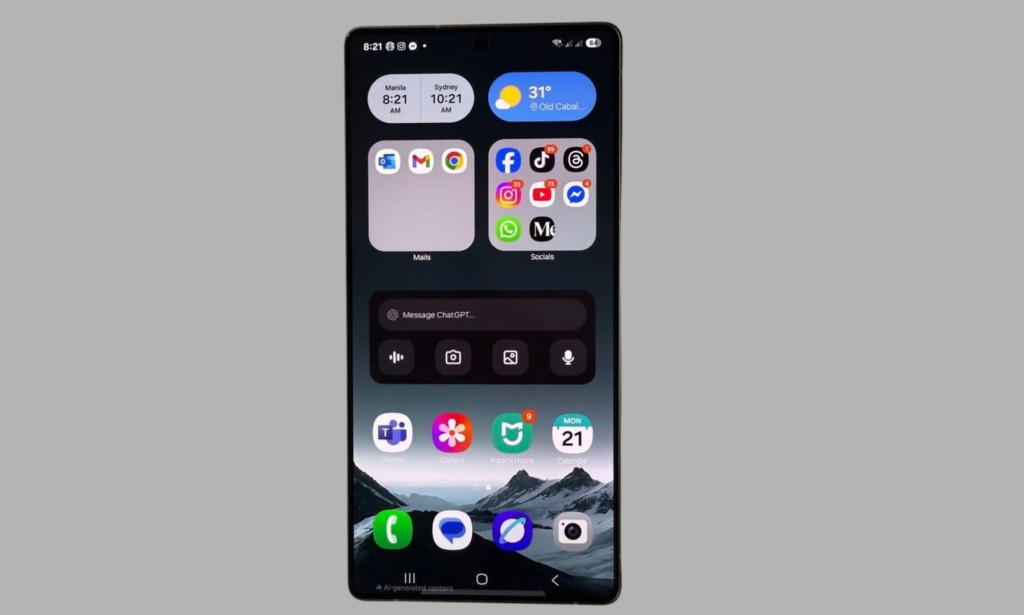
Security features are only useful if people actually use them. That's a simple truth, and it's exactly the problem Samsung appears to have identified with Lockdown mode on Galaxy phones. In One UI 9, the company has quietly but meaningfully changed how the power menu works and the result is a smarter, more automatic layer of protection for every Galaxy user, whether they knew Lockdown mode existed before or not.
What Lockdown Mode Actually Does
Before getting into what changed, it's worth understanding what Lockdown mode is and why it matters. When activated on a Samsung Galaxy phone, Lockdown mode does several things simultaneously. It instantly locks the device and sends you to the lock screen. It disables biometric unlock both fingerprint and face recognition. It turns off Smart Lock. And it hides notifications from the lock screen entirely.
Once Lockdown mode is active, the only way back into the phone is through your PIN or password. That same requirement applies if you want to power the phone off or restart it. No biometrics accepted, no shortcuts available.
The reason this matters is straightforward. Fingerprints and face recognition can be compromised in ways that a PIN cannot. Someone can hold your finger to the sensor while you're asleep. Someone can physically force you to look at your phone. Lockdown mode cuts off all of those attack vectors in a single tap and makes your PIN the only key to your device.
How One UI 8.5 Handled It
On One UI 8.5, Lockdown mode was available as a dedicated option inside the power menu. You'd long-press the power button or hold power and volume down together, depending on your settings and the menu would appear with options including power off, restart, emergency call, and Lockdown mode listed explicitly.
There was also a behavioral quirk worth noting: if you opened the power menu and then closed it without selecting anything, you'd return to whatever app you were last using. That felt natural from a usability standpoint, but it also meant the power menu carried no automatic security consequence just by being opened.
The fundamental limitation of the old approach was straightforward if you didn't know what Lockdown mode was, you'd never use it. And the reality is that most people who aren't specifically interested in mobile security wouldn't know it existed at all.
What One UI 9 Changes
One UI 9 beta removes the dedicated Lockdown mode option from the power menu entirely. In its place, Samsung has made Lockdown mode the automatic consequence of opening the power menu itself.
The moment you invoke the power menu on One UI 9, the phone locks and biometric unlock is immediately disabled. You're dropped to the lock screen, and from that point on, only your PIN or password can unlock the device, power it off, or restart it.
This was first spotted by Reddit user Aruun_16 and subsequently confirmed on the Galaxy S26 Ultra running One UI 9 beta 2. The behavior is consistent triggering the power menu no longer returns you to your last-used app. Instead, it goes straight into what was previously called Lockdown mode, without requiring any additional tap to activate it.
Why This Is the Right Call
The criticism some users will have is predictable: now opening the power menu accidentally means you have to enter your PIN to get back into your phone. That's a fair observation. There is added friction here.
But the tradeoff is worth it. The old system put the security benefit behind a menu option that most users ignored, either because they didn't understand it or because activating it felt like an extra step during an already stressful situation. If someone is trying to force you to unlock your phone, you're not going to have the presence of mind to calmly open the power menu, locate the Lockdown option, and tap it deliberately.
The new approach removes that entirely. Opening the power menu a gesture that happens naturally and quickly is now enough. You don't need to find a specific option or even know what Lockdown mode is. The protection is just there.
For the average Galaxy user, this means a level of security they probably never thought to set up is now built directly into a gesture they already know how to perform. That's genuinely good design.
The Bigger Picture for One UI 9 Security
This power menu change isn't the only security-focused addition in One UI 9. The beta has also introduced user control over Android 17's Audio Hardening feature, and other improvements are being surfaced with each new beta build. Samsung appears to be using One UI 9 as an opportunity to make meaningful security improvements at the system level, not just cosmetic ones.
The Lockdown mode integration stands out because it solves a real problem in a way that requires zero effort from the user. You don't need to change a setting, learn a new gesture, or remember to activate a mode. The protection is automatic the moment it's needed.
One UI 9 Is Still in Beta
It's worth noting that this change is currently live in One UI 9 beta 2, available on the Galaxy S26 series. Samsung may refine how this works before the stable release ships, though the core behavior automatic Lockdown on the power menu seems likely to stay given how deliberate the decision appears to be.
If you're enrolled in the One UI 9 beta program on a Galaxy S26, the change is already active on your device. For everyone else, it's something to look forward to when the stable update rolls out later this year.

You must be logged in to post a comment.