
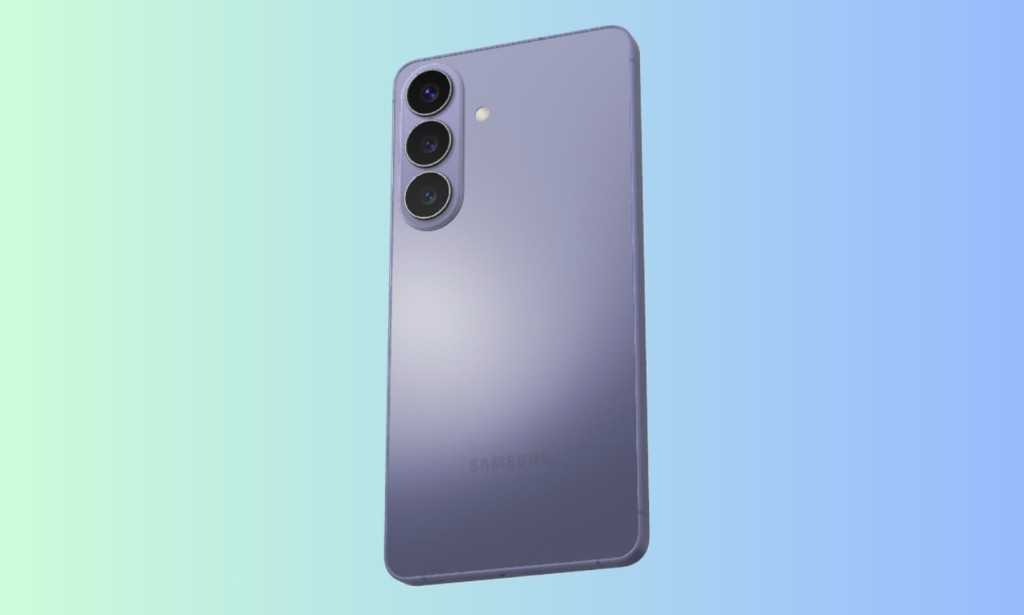
Samsung built the Galaxy S26 series around a straightforward idea: your phone should handle the small, repetitive parts of your day so you can focus on what actually matters. Four Galaxy AI features Now Brief, Now Nudge, Call Screening, and Document Scan are the practical expression of that idea. Here is what each one does and why it is worth using.
Monday morning anxiety is real. Before the week even starts, there is already a mental list of meetings, deadlines, and commitments competing for attention. Now Brief addresses this by quietly surfacing timely reminders and key information on your lock screen before you have had to go looking for it.
The feature pulls from supported app notifications, Samsung Messages, Gmail, and Samsung Wallet to build a picture of what is coming up. If you have a meeting in an hour, a reservation confirmation in your inbox, or an important message you have not acted on yet, Now Brief surfaces it at the right moment rather than leaving it buried in separate apps. It requires a Samsung Account login and needs notification permissions to function, but once set up it works entirely in the background.
Now Nudge: Context-Aware Suggestions Without Switching Apps
The most genuinely useful feature of the four is Now Nudge. It reads the context of your conversations and checks your calendar without you opening anything, then surfaces a relevant suggestion at the right moment.
If a friend messages asking when you are free, Now Nudge checks your calendar for conflicts and suggests a time directly in the conversation thread. If someone asks for photos from a recent trip, the feature automatically suggests relevant images from your Gallery rather than requiring you to go find them manually. The goal is to remove the friction of constantly switching between apps to complete a simple task that should take seconds.
Now Nudge works with Samsung Messages and select third-party messaging apps including Google Messages and Google Chat. It can be turned on or off at any time from Settings, and it only makes suggestions it does not take any action without your confirmation.
Call Screening: Handle Unknown Callers Without Disrupting Your Workflow
An unexpected call in the middle of focused work is one of the most reliable ways to lose momentum. Call Screening on the Galaxy S26 series gives you a way to handle unknown numbers intelligently rather than ignoring them entirely.
When an unknown caller rings, the AI answers on your behalf, asks who is calling and why, and delivers a summary of the caller's stated intent to your screen in real time. You can then decide whether to join the call immediately, let it go to voicemail, or decline. The feature needs to be manually activated in the Phone app settings under Call Assist, and availability varies by country and language.
For anyone who receives a high volume of unsolicited calls during work hours, Call Screening is the closest thing to a personal gatekeeper that a phone has offered without requiring a dedicated assistant.
Document Scan: Clean Digital Copies in Seconds
The amount of paperwork that passes through a normal workday receipts, forms, handwritten notes, signed documents adds up quickly and becomes a genuine organizational burden. Document Scan uses AI to capture clean digital versions of physical documents automatically.
The feature removes visual distractions like creases, shadows, and fingers that appear in the shot, and corrects distortion caused by shooting at an angle. Multiple documents can be automatically organized into a single PDF file ready for submission or filing. The practical time saving compared to manually photographing, editing, and organizing documents is significant for anyone who regularly handles physical paperwork.
What Connects These Four Features
All four of these features are designed around the same principle: reducing the number of deliberate steps you need to take to complete routine tasks. None of them require you to open a dedicated app, navigate a complex menu, or configure anything beyond the initial setup. Now Brief appears when it is relevant. Now Nudge suggests when context calls for it. Call Screening activates on incoming unknown calls. Document Scan processes whatever you point the camera at.
The Galaxy S26 series is not the first Samsung phone to include AI features, but the combination of these four tools working together represents the most cohesive practical AI experience Samsung has shipped to date.

You must be logged in to post a comment.