

Samsung Notes just got a quiet but genuinely useful update. Version 4.4.41.9 is now rolling out through the Galaxy Store, and it brings three new features that make the app noticeably more practical for everyday use.
Here is what is new.
Match Style When Pasting
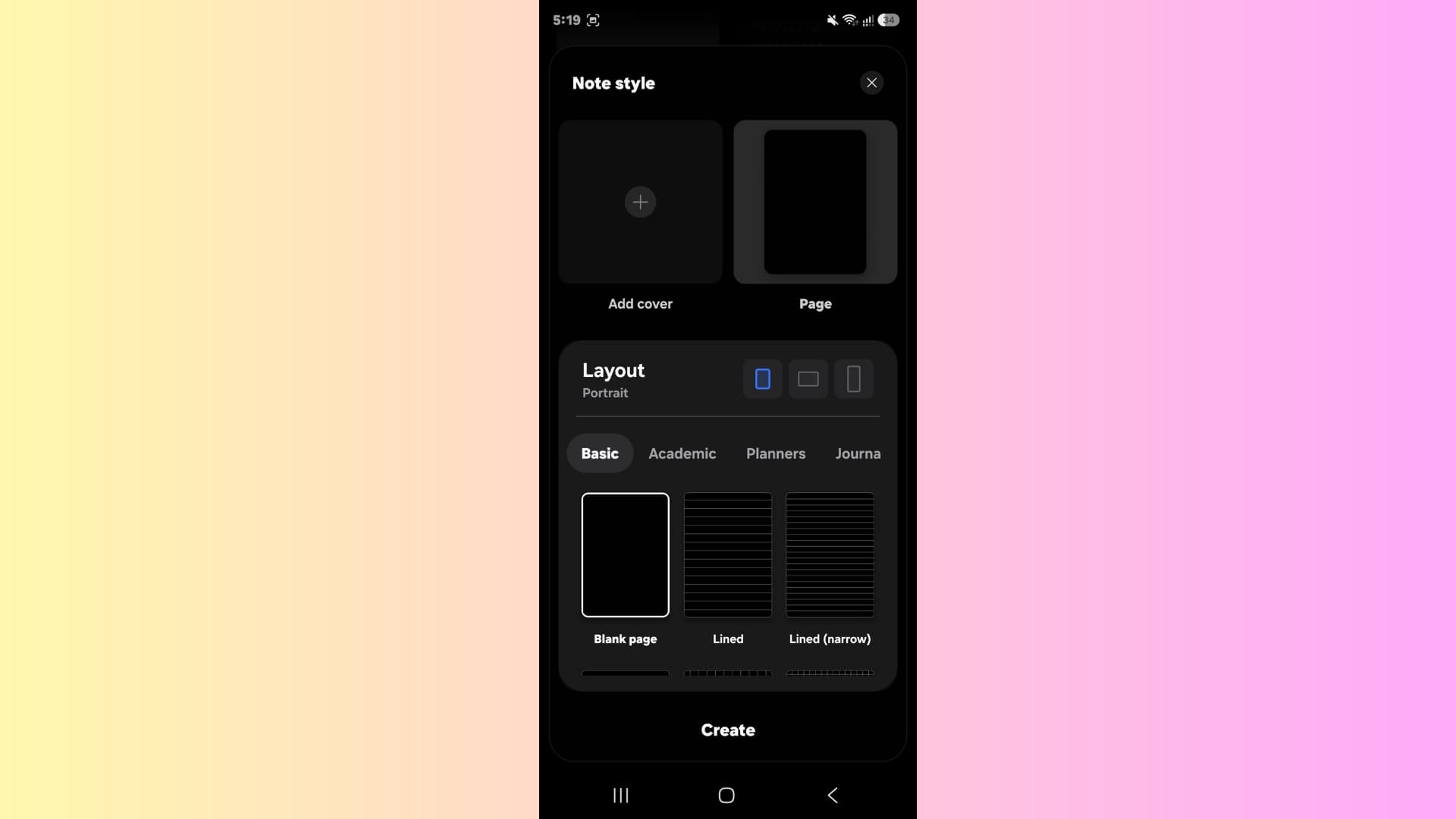
Anyone who has ever copied text from a website or another app and pasted it into a note knows the frustration the pasted text comes in with its own font, size, or color, breaking the visual consistency of the note entirely.
The new Match Style When Pasting option solves this cleanly. When enabled, any text pasted into a note automatically adopts the formatting of the surrounding text at the insertion point. No more manual reformatting after every paste. You can find the toggle under Settings → Advanced → Match style when pasting.
Group by Date
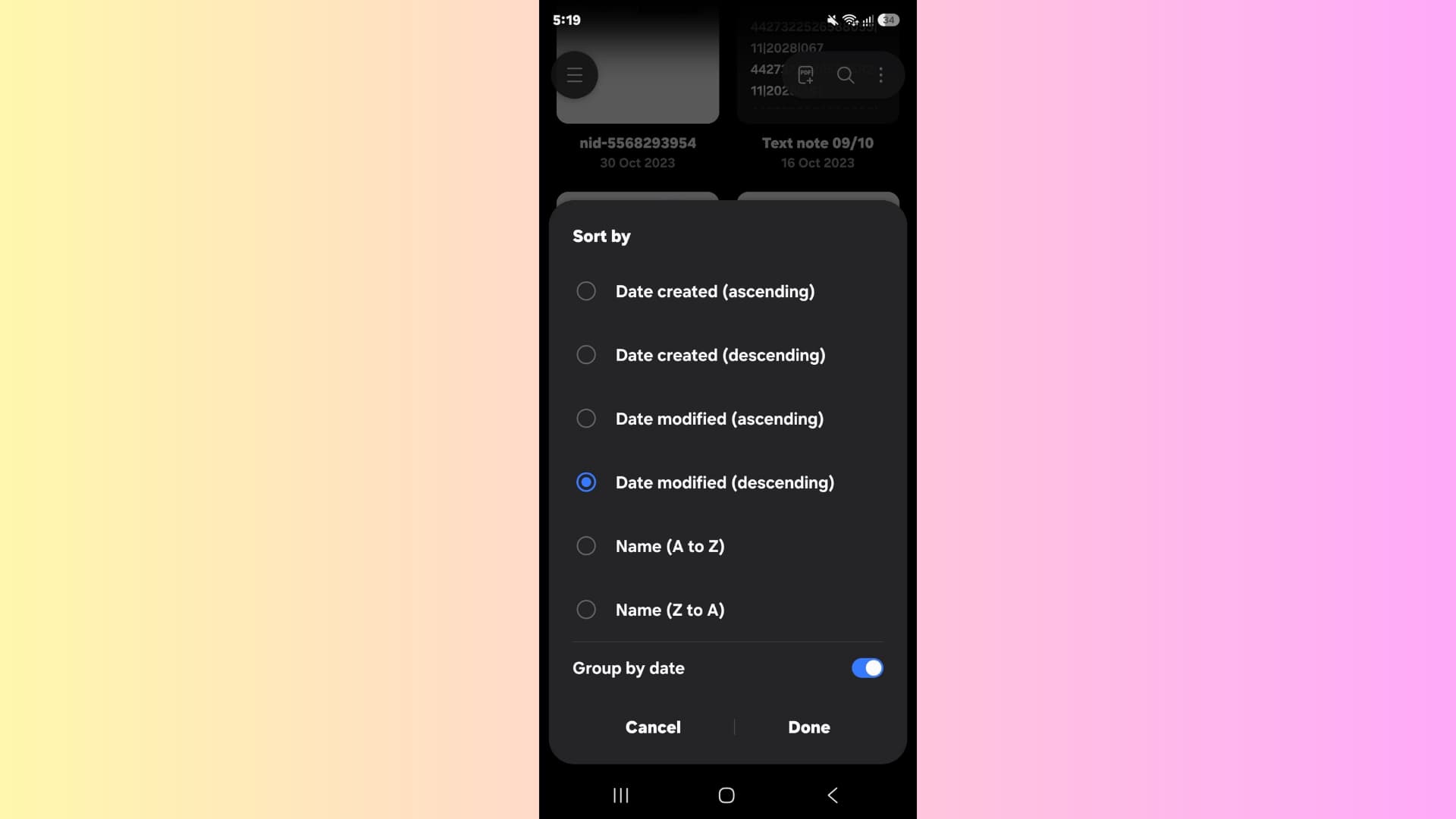
Samsung Notes now lets you organize your note list by date. The new Group by Date option appears in the Sort by menu and groups all notes according to when they were created or last edited, making it significantly easier to locate something from a specific time period without scrolling through an unsorted list.
Import PDF Shortcut

Previously, importing a PDF into Samsung Notes required navigating through menus to find the option. Samsung has now made it much faster by adding an Import PDF shortcut directly to the long-press menu on the Create Note button. The option is also accessible from the top-right corner menu inside the app.
How to Get the Update
Open the Galaxy Store, tap Menu → Updates, then tap the update icon next to Samsung Notes or hit Update All. The update is available now for Galaxy smartphones.

You must be logged in to post a comment.